Send a paper plane,
meet new friends
Match with travelers, send messages, and video call right on your phone.
Matching, messaging, calls, and account controls take place in the qooer Android app
Launch a paper plane across borders
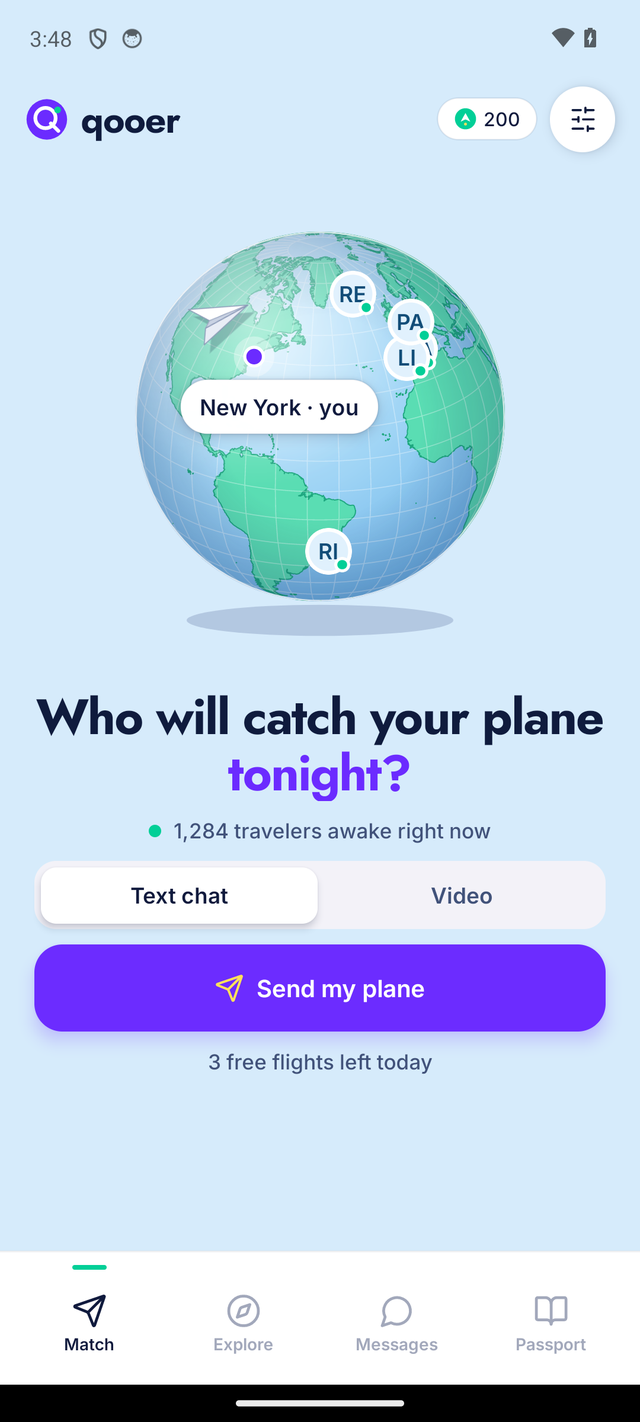
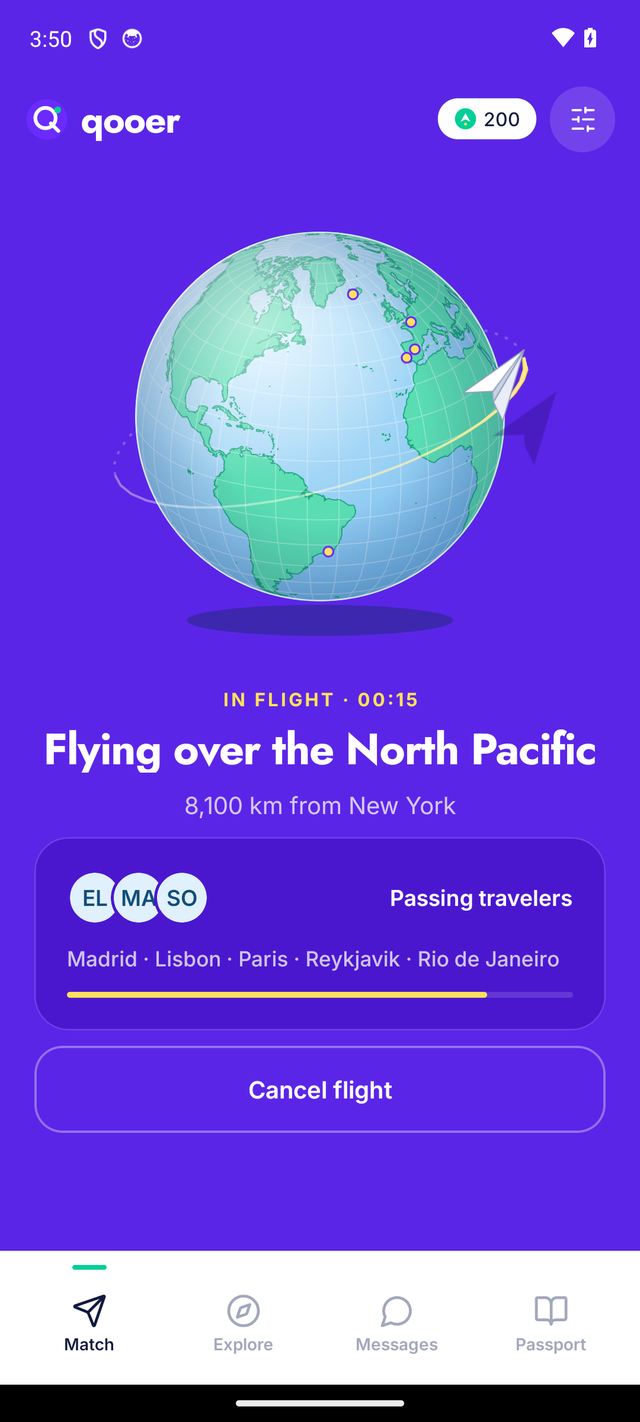
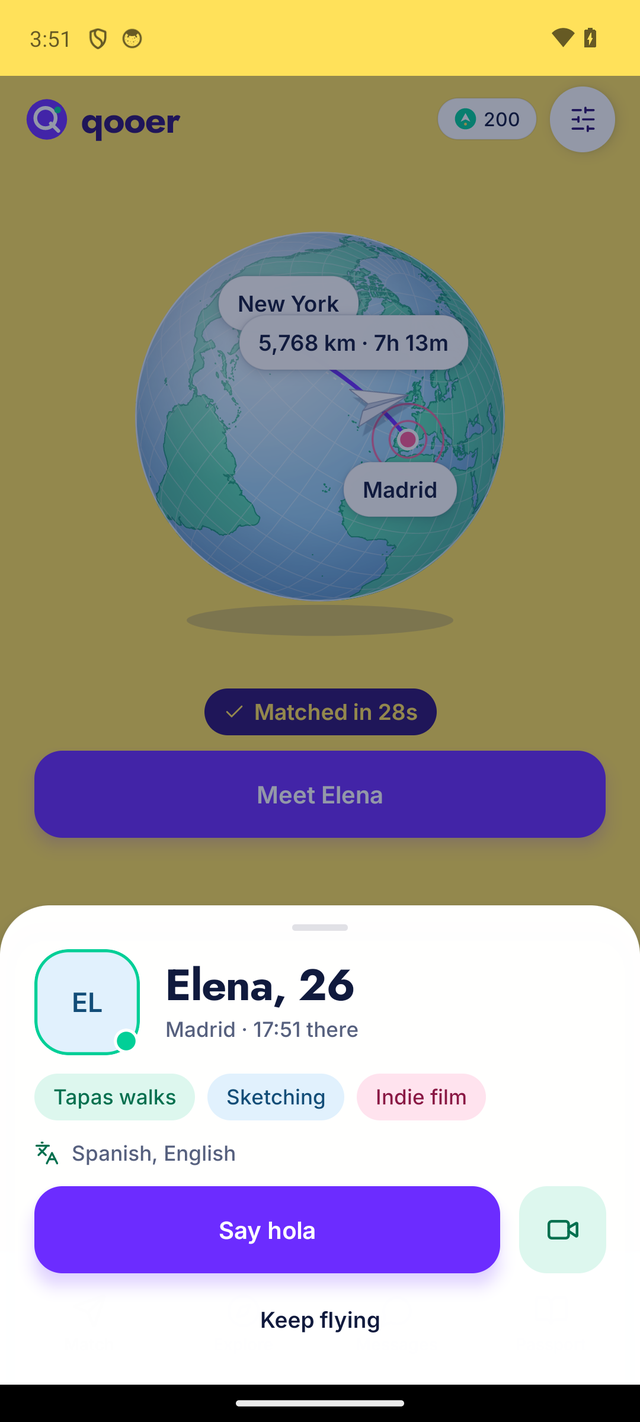
Choose text chat or video, launch your plane from your city, and follow Departure, In Flight, and Landing with computed great-circle distance and local time.
- Departure (Sky) — Shows your origin city coordinates and active travelers online.
- In Flight (Violet) — Flies along a tilted globe orbit with cancel control at any time.
- Landing (Sun) — Reveals city distance, partner local time, languages, and interests.
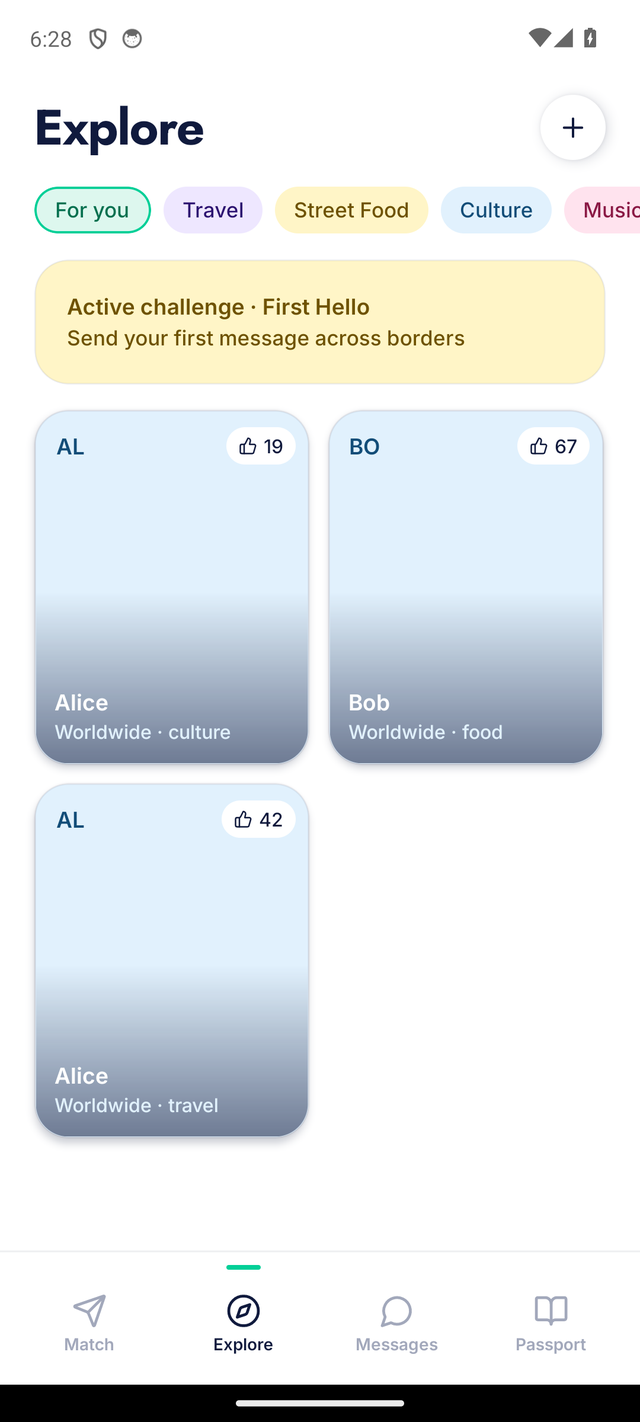
Browse stories and city clips from travelers
Switch category chips across a two-column feed of 22dp cards, or capture and share your own travel clips tagged with your destination.
- Filter feed highlights by travel topic and city category.
- Record or pick clips directly on Android with scoped media access.
Clear inbox hierarchy and cross-language chat
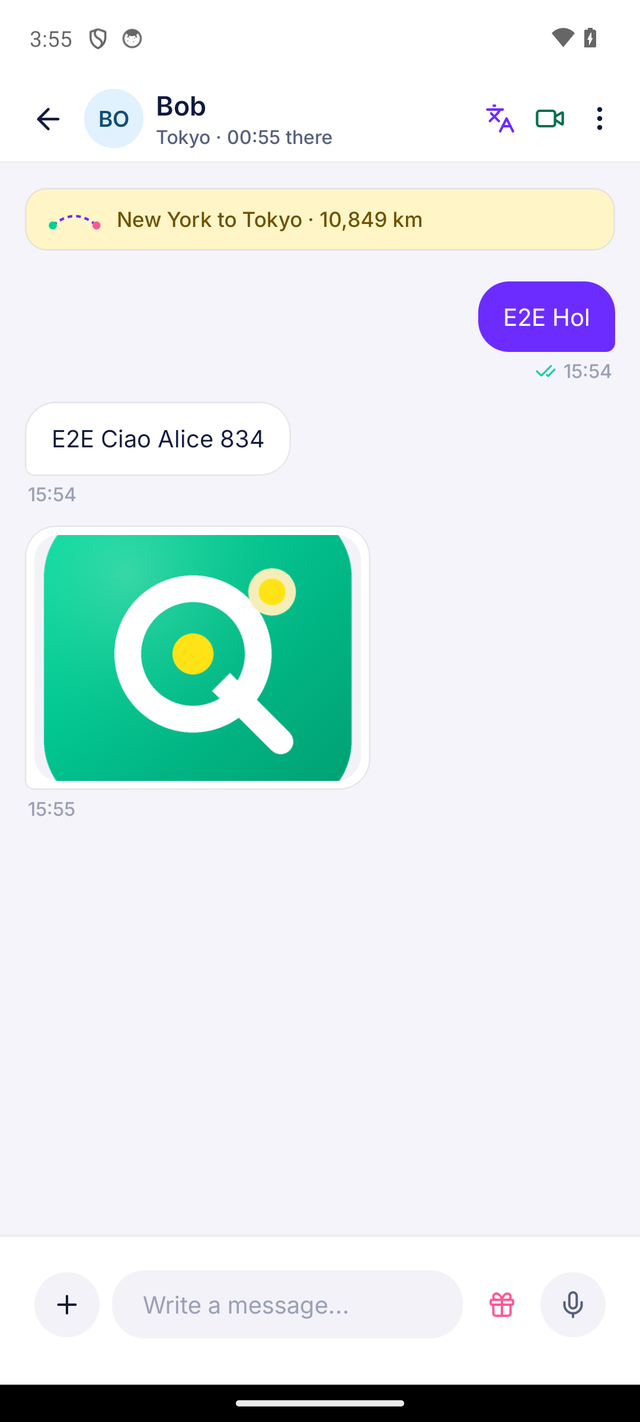
Spot online status in Mint and unread badges in Rose. Inside conversations, chat on Lavender surfaces with auto-translation toggles, photo sharing, and Mint double-check receipts.
- Automatic incoming message translation with one-tap Original toggle.
- Read receipts in Mint with flight-route distance souvenirs.
Face-to-face video calls with built-in privacy controls
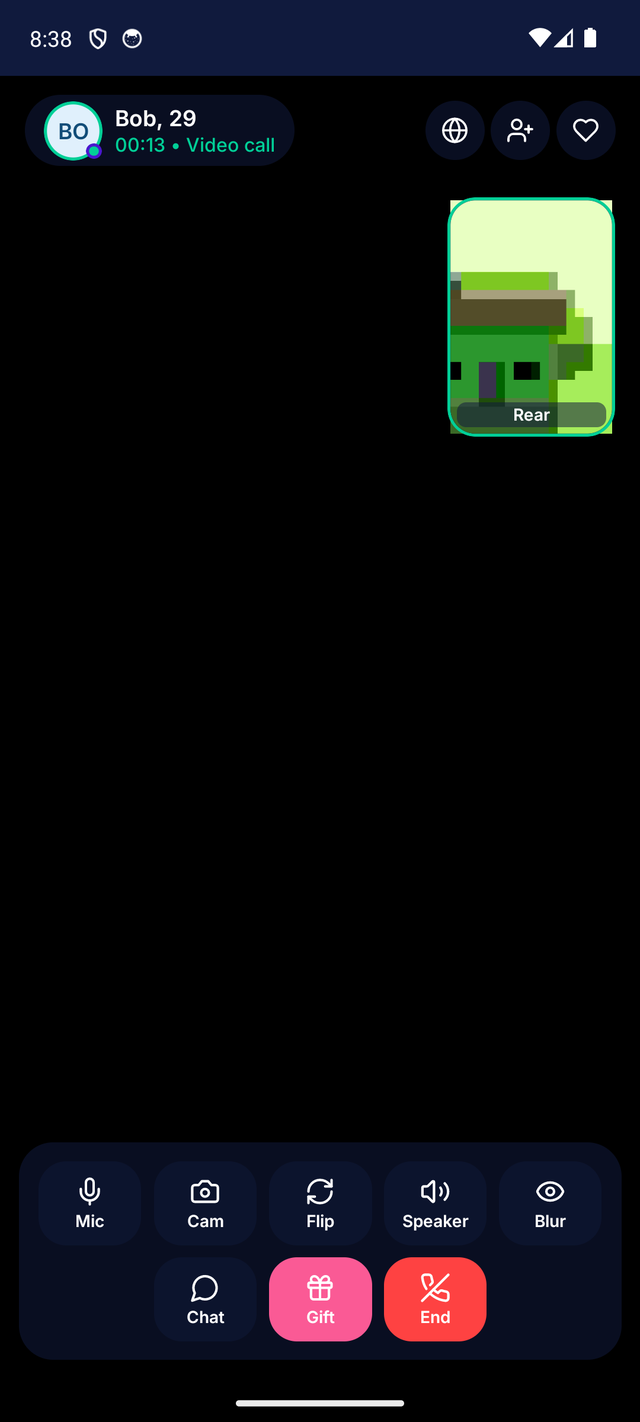
Powered by Agora RTC for 1v1 video calls and LiveGuide rooms. Clean solid-navy circular controls cover mic, camera, flip, speaker, blur, chat, gifts, and hang-up.
- Camera and microphone permissions are requested only when calling, with instant video blur.
- In-call chat and gift interactions arranged neatly without cluttering the frame.